Finance Automation
Vendor Statement Reconciliation
Hamilee Repasa
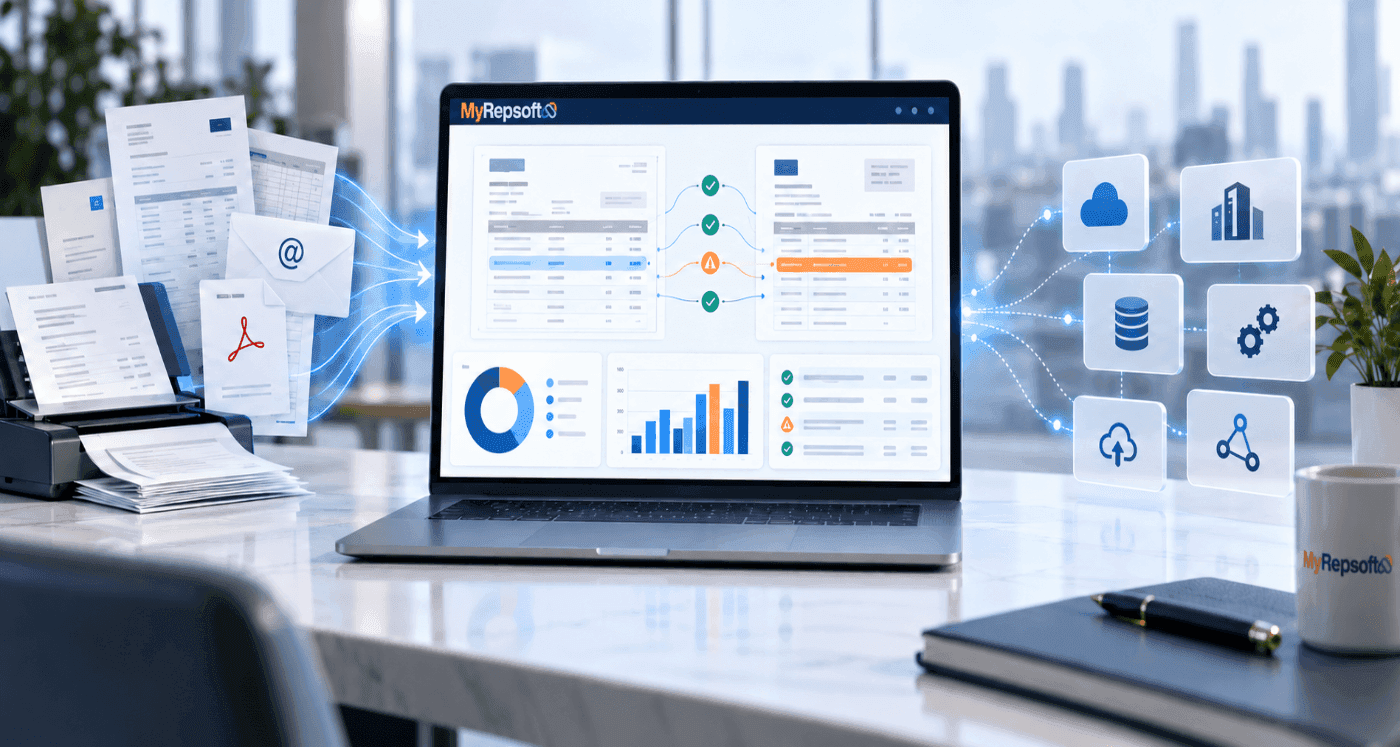
A practical guide for Accounts Payable and finance teams
Understand what vendor statement reconciliation is, what it should find, and how automation can help your team move from line-by-line checking to focused exception review.
The core idea
Your ERP shows your internal AP record. The vendor statement shows the supplier view. Reconciliation explains the gap between the two - before it becomes a payment problem, supplier escalation, or month-end surprise.
Vendor statement | What the supplier says is open |
|---|---|
AP / ERP records | What your finance system currently shows |
MyRepsoft | Compares records and surfaces exceptions |
What is vendor statement reconciliation?
Vendor statement reconciliation is the process of comparing a supplier statement with your company's accounts payable records to confirm that invoices, credits, payments and outstanding balances agree.
It answers a simple but important question: does what the vendor says you owe match what your AP or ERP system says you owe?
When the two views do not agree, the reconciliation process should explain why. The goal is not just to force two totals to match. It is to identify the records that match, the items that are missing, timing differences, unapplied credits or payments, and the exceptions that require investigation.
Why this matters
Supplier statements often expose issues that are not obvious from the AP ledger alone. A missing invoice, unapplied credit, payment allocation issue or unresolved balance may remain invisible until the supplier follows up or month-end pressure builds.
What should be compared?
Supplier statement | Internal AP / ERP data | What reconciliation should explain |
|---|---|---|
Invoice and credit lines | Open invoices and credit records | What matches and what is missing |
Payments and allocations | Payment records / remittance | Whether payments were posted or allocated correctly |
Opening / closing balance | AP balance / open items | Why the balances agree or differ |
References and dates | Invoice IDs, dates and amounts | Whether formatting or timing explains the difference |
Vendor statement vs. supplier statement
The terms vendor statement reconciliation and supplier statement reconciliation are commonly used for the same AP control. MyRepsoft uses both terms where helpful for search visibility, while keeping Vendor Statement Reconciliation as the primary product category.
What problems should reconciliation find?
A useful reconciliation does more than report that two balances are different. It should identify the specific exceptions behind the difference so the finance team knows what to investigate next.
Exception | What it may indicate | Typical next step |
|---|---|---|
Missing invoice | Supplier shows an invoice that is not in AP | Obtain and validate the invoice before posting or payment |
Unapplied credit | A credit exists but is not reflected internally | Confirm the credit note and apply it correctly |
Payment mismatch | Supplier and internal records show different payment status | Check remittance, allocation and timing |
Amount mismatch | The same reference carries a different value | Review tax, pricing, deductions or data entry |
Paid but still open | Internal payment exists but the supplier still shows the item open | Confirm allocation with the supplier |
Possible duplicate | Similar references or values appear more than once | Investigate before payment or adjustment |
Balance difference | The closing statement balance does not agree with AP | Trace the gap to underlying items |
Start with the exceptions.
Not every line. Matched items should move out of the way. Finance time is better spent on missing documents, unresolved credits, payment mismatches and balance differences that need judgment.
Not every difference is an error
Some differences are caused by timing. A payment may have left your bank but not yet appeared on the supplier statement. A credit may have been issued after the statement date. Good reconciliation separates expected timing differences from items that require action.
Why manual vendor reconciliation becomes difficult
Manual reconciliation can work at low volume. It becomes harder to sustain when supplier counts, invoice volumes, entities, statement formats and month-end pressure increase.
The work is fragmented
Statements arrive as PDFs, spreadsheets, scans and email attachments.
AP or ERP records sit in a different system or export.
Supplier references do not always match internal references exactly.
Credits, payments and supporting documents may sit in separate inboxes or folders.
Experienced staff carry process knowledge that is difficult to standardize.
The real cost is delayed visibility
The problem is not only the time spent checking lines. When reconciliation is skipped, delayed or performed only when a supplier complains, finance loses an early warning mechanism.
Missing invoices, credits and unresolved balances are discovered later, when they are more urgent and more disruptive.
Operational effect | Finance impact |
|---|---|
Supplier follows up on an unpaid item | AP has to search for documents under time pressure |
Credit remains unapplied | Cash or liability visibility may be distorted |
Statement and ledger differ at close | More investigation is pushed into month-end |
Knowledge sits with one employee | Continuity suffers when staff are absent or leave |
The problem is not your AP team.
It is a process that becomes difficult to scale when people must keep opening files, searching the ERP, comparing records and investigating the same types of exceptions by hand.
How automated vendor statement reconciliation works
Automation should reduce the preparation and comparison work required before a finance professional can make a decision. The practical goal is simple: structure the statement, compare it with reliable finance data, and surface the exceptions that deserve attention.
A practical five-step workflow
Provide the statement. Use the supplier statement in its available format, such as PDF, spreadsheet or scan.
Provide AP / ERP records. Use the relevant AP open-items or finance export for the same supplier and period.
Extract and structure. Capture the fields needed for comparison, including references, dates, amounts, credits and balances.
Match and reconcile. Compare statement records with AP data using the available identifiers and values.
Review exceptions. Separate matched items from missing records, mismatches and unresolved balances that need investigation.
A lower-friction starting point
MyRepsoft can begin with vendor statements and an AP / ERP export. Your existing finance system remains the system of record. A larger integration can come later if recurring value is proven.
Why standalone first can matter
For an early evaluation, finance teams may not want a long integration project before they know whether the reconciliation itself creates value. A focused sample allows the team to test matching quality, exception relevance and workflow fit.
What automation should - and should not - do
Automation should reduce repetitive checking
A reconciliation platform should help with document extraction, record comparison, matching and exception identification. It should make it easier to see what agrees, what does not, and what may be missing.
Finance still owns judgment
Software can surface an unexplained difference. A finance professional still decides whether it is a timing issue, a supplier error, an internal posting issue, a disputed invoice, or something that should be escalated.
Best handled by automation | Best handled by finance |
|---|---|
Extracting repetitive statement data | Deciding whether a discrepancy is commercially significant |
Comparing statement and ledger records | Confirming whether a payment should be held or released |
Grouping matches and exceptions | Resolving supplier disputes and ownership issues |
Highlighting missing or inconsistent items | Approving accounting treatment or corrective action |
Preparing a repeatable review set | Improving upstream process and supplier behaviour |
Keep humans in control
The strongest use of automation is not to remove finance accountability. It is to remove low-value repetition so experienced people can focus on investigation, resolution and control.
Data quality still matters
Reconciliation quality depends on the source data available. Unreadable documents, incomplete ERP extracts, duplicate files, inconsistent references and poor supplier master data can all create false or unresolved exceptions. A good workflow makes those limitations visible instead of hiding them.
What better reconciliation changes for finance
The value of vendor statement reconciliation is not the number of lines matched. It is the quality and timing of the exceptions the team can act on.
For AP teams | For Controllers / Finance Managers | For CFOs |
|---|---|---|
Less line-by-line checking | Earlier visibility of unresolved balances | Fewer payment and supplier surprises |
Clearer list of items to investigate | Stronger month-end control | Better confidence in the payable position |
Faster identification of missing invoices and credits | More consistent reconciliation process | More finance capacity for analysis and business support |
Less dependence on individual spreadsheets | Clearer ownership of exceptions | Lower operational friction around vendor issues |
Supplier relationships also benefit
When a supplier raises a balance issue, a reconciled account gives the finance team a better starting point. Instead of searching from scratch, the conversation can focus on a specific missing invoice, credit, allocation or disputed amount.
Reconciliation can also expose process weaknesses
Repeated exceptions are useful signals. Frequent missing invoices may point to statement or invoice intake issues. Recurring credit problems may indicate a weak credit-note process. Regular allocation differences may point to remittance or payment-posting problems.
From reactive investigation to proactive control
The earlier the gap is visible, the more options the finance team has to resolve it before it becomes urgent.
What to look for in vendor statement reconciliation software
Do not evaluate reconciliation software only by the dashboard. Evaluate whether it can reliably move your team from supplier documents to useful, explainable exceptions.
Evaluation area | What to test |
|---|---|
Workflow fit | Does it support vendor / supplier statement reconciliation as a core workflow, not as an afterthought? |
Document handling | Can it work with the statement formats your suppliers actually send? |
Matching quality | Can it handle reference, date and amount variations without hiding uncertainty? |
Exception clarity | Does it clearly distinguish matched items, likely timing differences and unresolved exceptions? |
Evidence | Can your team see enough supporting information to validate why an item was flagged? |
Adoption | Can AP staff use the output without adding another heavy manual process? |
Integration approach | Can you start simply, then integrate when the value and workflow are proven? |
Scalability | Can the process handle more suppliers, more statements and higher transaction volumes over time? |
A strong pilot question
"Can the platform find meaningful exceptions in our real statements and AP data?"
A focused sample is more useful than a feature checklist. Test whether the output reveals issues your team would otherwise have to hunt for manually.
Where MyRepsoft fits
MyRepsoft is focused on Vendor Statement Reconciliation for finance and Accounts Payable teams that need a clearer way to compare supplier statements with internal AP or ERP records.
The starting point
Start with the documents and data you already have. Provide a focused set of vendor statements and the relevant AP / ERP records. MyRepsoft compares the two views and highlights what matches, what does not, what may be missing, and what needs attention.
The operating model
Start standalone with statement files and AP / ERP data without replacing your finance system. Prove the value by reviewing the quality and relevance of reconciliation findings. Integrate later when the workflow and recurring value are clear.
The position
MyRepsoft is not trying to become another ERP. It strengthens the reconciliation work around the ERP by making vendor-to-ledger differences easier to identify and review.
Keep humans in control
The strongest use of automation is not to remove finance accountability. It is to remove low-value repetition so experienced people can focus on investigation, resolution and control.
A practical next step
If your AP team still spends significant time comparing vendor statements with ERP or AP records, start with a focused sample. Use the result to assess exception quality, time saved and whether the workflow is worth expanding.
Frequently asked questions
How often should vendor statements be reconciled?
The right frequency depends on supplier risk, transaction volume, payment terms and close requirements. Many teams prioritize high-volume, high-value or operationally critical suppliers first.
Can vendor statement reconciliation find missing invoices?
Yes. If an invoice appears on the supplier statement but is absent from the relevant AP data, reconciliation can surface it for investigation.
Can it find unapplied credits?
It can identify a credit or credit-related difference when the supplier statement and internal records do not agree. Finance still needs to validate the correct accounting treatment.
Do we need an ERP integration to start?
Not necessarily. MyRepsoft can start with vendor statements and a relevant AP / ERP export, allowing the workflow to be tested before a deeper integration is considered.
Is vendor statement reconciliation the same as bank reconciliation?
No. Vendor statement reconciliation compares supplier statements with AP records. Bank reconciliation compares bank transactions and balances with internal cash records.